Digital visuals are no longer optional—they are foundational to how modern products, brands, and interfaces communicate. From responsive websites to mobile apps and digital marketing assets, designers and developers increasingly rely on vector graphics for clarity and flexibility. At the center of this workflow is the svg file editor, a tool designed to create, modify, and optimize SVG files without sacrificing quality.
This article explores how an svg file editor solves real-world design problems, when and why it should be used, and how professionals can integrate it into efficient, future-proof workflows.
Why SVG Editing Matters in Modern Design
SVG (Scalable Vector Graphics) is a vector-based format defined by XML standards and supported by all modern browsers. Unlike raster images, SVG files scale infinitely without pixelation. This makes them ideal for logos, icons, UI elements, diagrams, and illustrations that must adapt to different screen sizes and resolutions.
However, SVG files are only as useful as your ability to control them. That’s where a capable svg file editor becomes essential—allowing precise edits, performance optimization, and compatibility across platforms.
Common Problems an SVG File Editor Solves
Loss of Image Quality at Scale
Raster images blur when resized. SVG files don’t—but only if they’re properly edited and structured.
Inconsistent Branding Assets
Logos saved in multiple sizes and formats often drift visually. SVG ensures one source of truth.
Heavy File Sizes
Poorly optimized SVGs can slow websites. Editors help clean unnecessary paths and metadata.
Limited Customization
Without proper editing tools, changing colors, shapes, or layouts becomes difficult or impossible.
What Is an SVG File Editor?
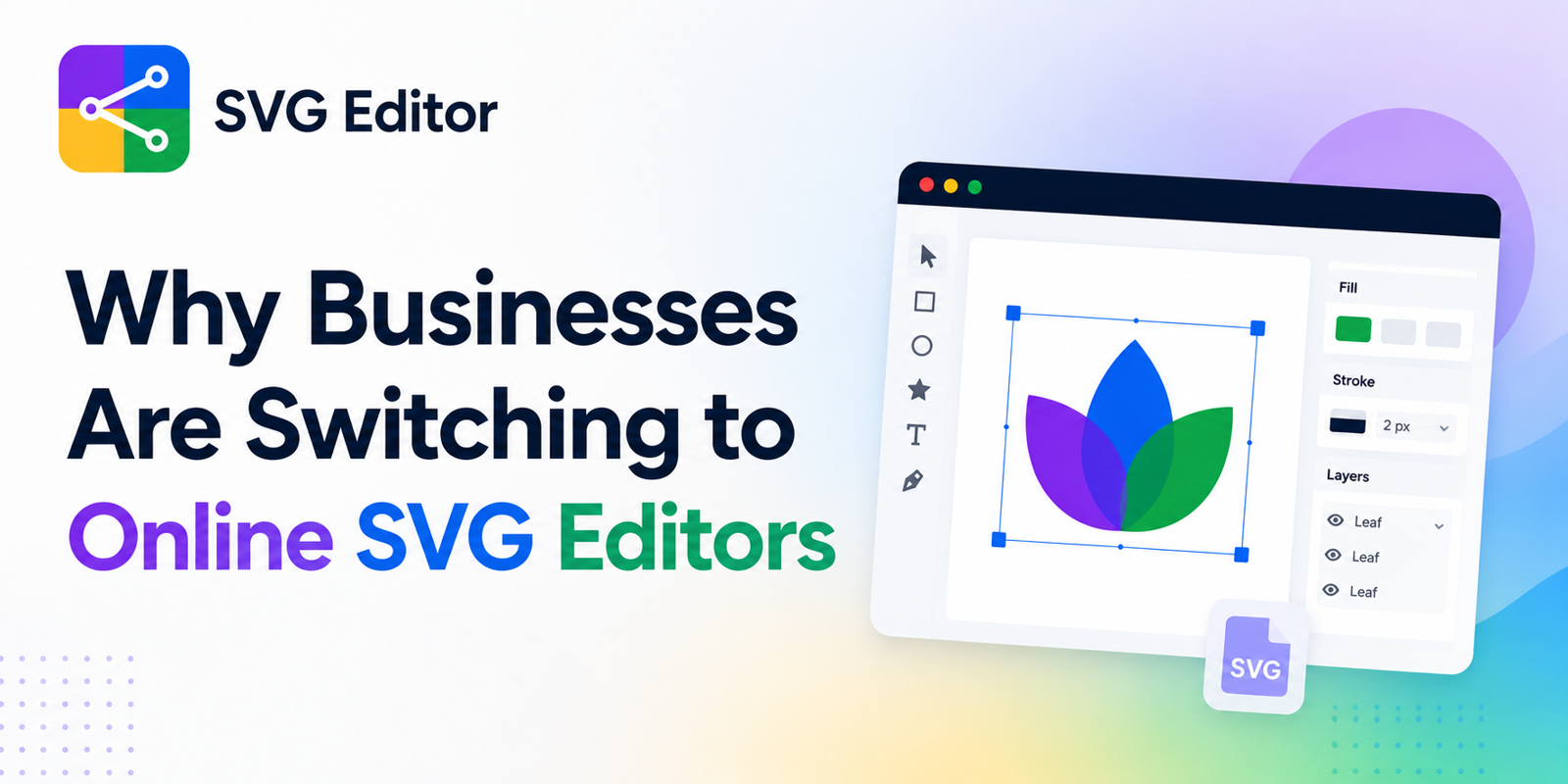
An svg file editor is software—often web-based—that allows users to create and manipulate vector graphics using paths, nodes, layers, and styles. Unlike traditional image editors that focus on pixels, SVG editors work with mathematical definitions of shapes.
These editors range from lightweight browser tools to advanced professional environments. Many modern solutions prioritize accessibility, allowing users to edit SVG files without installing complex software.
Key Features That Define a High-Quality SVG File Editor
Path and Node Control
Precise manipulation of curves and anchor points ensures clean, scalable shapes.
Layer Management
Complex designs require structured layers to stay editable and organized.
Style Editing
Direct control over fills, strokes, gradients, opacity, and CSS attributes.
Live Preview
Instant feedback on how edits affect the final graphic across sizes.
Import and Export Support
Ability to work with formats like PNG, JPG, PDF, or EPS when converting to or from SVG.
SVG File Editing for Web Performance
From a performance standpoint, SVGs are powerful—but only when optimized correctly.
Best Practices
Remove unnecessary metadata
Simplify paths
Avoid embedded raster images
Use inline SVGs where appropriate for UI elements
A well-edited SVG loads faster, renders cleaner, and improves accessibility through semantic structure.
Real-World Use Cases
Web and UI Design
SVG icons and interface elements scale seamlessly across devices, making them ideal for responsive layouts.
Branding and Logos
One SVG logo can be used across websites, apps, packaging, and print materials without redesign.
Product and Technical Diagrams
Engineers and educators use SVG for diagrams that must remain precise at any zoom level.
Laser Cutting and Fabrication
SVG files are widely used in manufacturing workflows where precision paths matter.
Online SVG File Editors vs Desktop Software
Desktop design tools offer depth but come with trade-offs: licensing costs, hardware requirements, and steep learning curves. Online SVG editors focus on speed, accessibility, and practical workflows.
A modern web-based svg file editor allows users to:
Edit from any device
Collaborate easily
Skip installations and updates
Export clean, web-ready files
For many professionals, this flexibility outweighs the need for heavy desktop tools.
Choosing the Right SVG File Editor
Not all editors are equal. When evaluating options, consider:
Accuracy of path editing
Ease of use for non-experts
Output cleanliness (readable SVG code)
Support for conversion workflows
Some platforms, such as SVGmaker, focus on combining SVG editing with conversion and optimization features, which can be especially useful when working with mixed image formats.
Best Practices for Editing SVG Files
Start with Clean Inputs
High-resolution or well-defined source images convert better to SVG.
Keep Designs Simple
Fewer nodes mean smaller file sizes and easier edits.
Use Consistent Naming
Label layers and groups logically to improve collaboration.
Test Across Contexts
Check SVGs on light and dark backgrounds, different screen sizes, and browsers.
Industry Standards and Compatibility
SVG is maintained by the W3C and is widely adopted across browsers and platforms. When edited correctly, SVG files are accessible, searchable, and styleable using CSS and JavaScript—making them a favorite among front-end developers.
Accessibility standards also favor SVG when combined with proper labeling and structure, improving usability for assistive technologies.
The Future of SVG Editing
As design workflows continue moving toward the browser, SVG editors are becoming more intelligent. Emerging features include:
AI-assisted vector tracing
Automatic optimization
Component-based SVG systems
Integration with design systems
These advancements are making vector editing faster, more accurate, and more approachable for non-designers.
Conclusion
An svg file editor is no longer a niche tool—it’s a core component of modern digital design and development. By enabling scalable, lightweight, and editable graphics, it solves persistent problems related to quality, performance, and consistency.
Whether you’re designing interfaces, managing brand assets, or preparing files for production, mastering SVG editing empowers you to work smarter and future-proof your visuals.


Write a comment ...