In today’s digital landscape, designers and creators increasingly turn to scalable formats that deliver crisp graphics at any size. That’s where an svg online editor becomes indispensable. Whether you’re refining a logo for print, optimizing icons for a website, or crafting detailed illustrations, the right tools can transform your workflow. Yet many professionals still struggle with complexity, compatibility, and the learning curve of traditional vector software.
This article dives deep into what makes SVG (Scalable Vector Graphics) unique, why an svg online editor is often the smartest choice for modern workflows, and how to get the most out of these tools. You’ll walk away with practical insights, best practices, and expert tips that help you work faster, smarter, and with greater creative confidence.
What Is SVG and Why It Matters
SVG stands for Scalable Vector Graphics, a text-based format that uses XML to describe shapes, paths, colors, and text. Unlike raster images (e.g., JPG, PNG), SVG files scale infinitely without losing quality. This makes SVG the go-to format for:
Responsive web icons and UI graphics
Logos used across devices
Interactive animations
Printable vector art
Because SVG is both human-readable and machine-parseable, it integrates seamlessly with web technologies like CSS and JavaScript. For professional designers and developers alike, this means more control and precision.
Why Use an SVG Online Editor Over Desktop Software
Accessibility and Cross-Platform Support
Traditional vector editors often require installation, significant system resources, and steep learning curves. In contrast, an svg online editor works directly in your browser—no downloads, no platform constraints, and instant access from virtually any device.
This flexibility is especially useful when collaborating with remote teams, presenting design drafts to clients, or adjusting assets on the fly during meetings.
Real-Time Editing Without Overhead
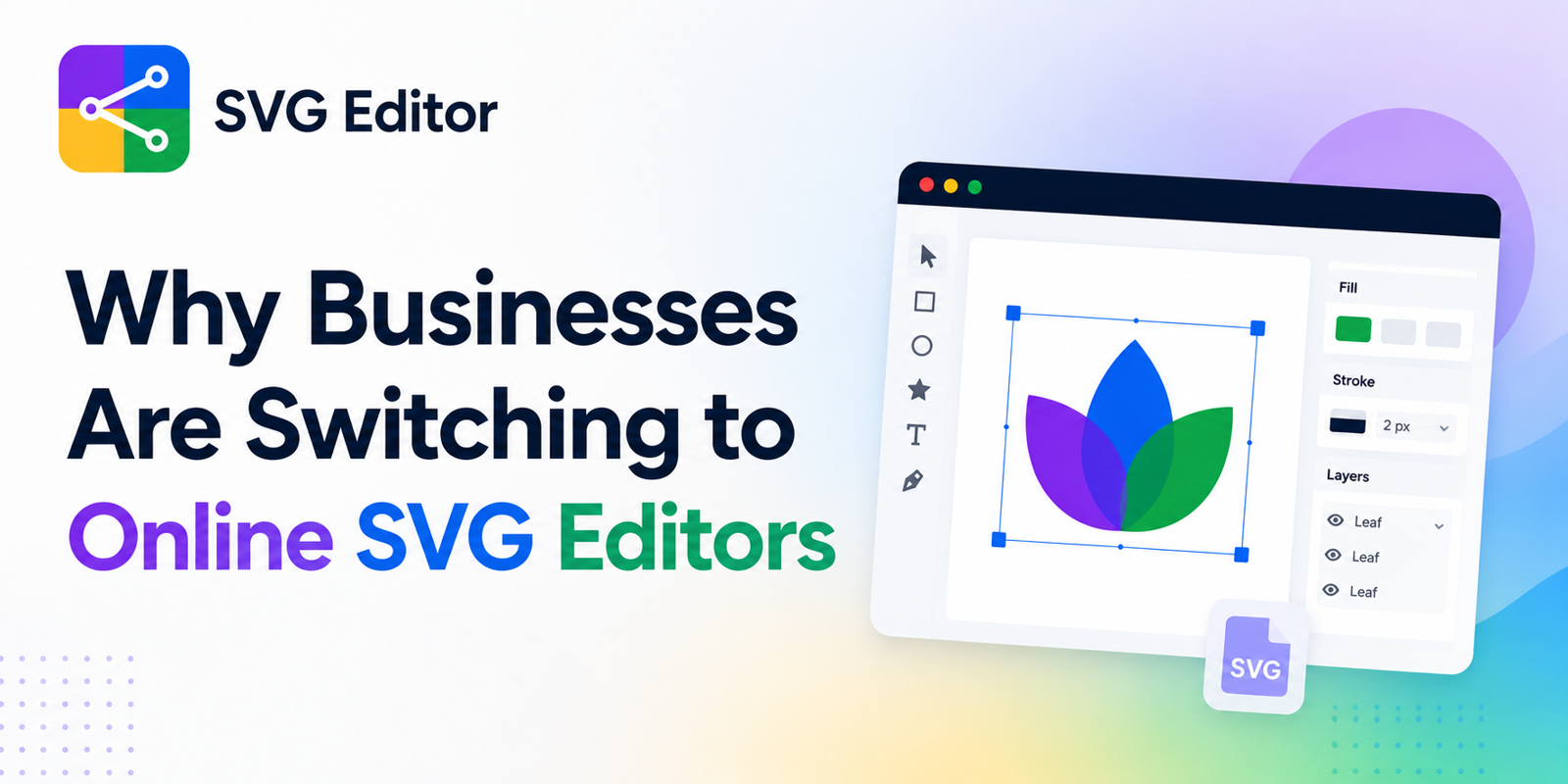
Online SVG editors streamline workflows by eliminating complex menus and plugins commonly found in desktop software. Most tools in this space offer:
Drag-and-drop shape creation
Smart snapping and alignment guides
Layer organization and grouping
Export presets tailored to modern web standards
By focusing on essentials, they reduce cognitive load and help you stay productive.
Seamless Version Control
Since many online editors integrate with cloud services, you get automatic backups and version history. This means less time spent managing files and more focus on design iteration.
Core Features to Look for in an SVG Online Editor
Not all editors are created equal. When evaluating options, prioritize these capabilities:
Precise Path Editing
At its core, SVG is about paths. A top-tier svg online editor should let you adjust anchor points, Bézier curves, and stroke properties with pixel-perfect accuracy.
Expert Tip: Fine-tuning paths manually often leads to cleaner, lighter SVG code—improving load times and eliminating unnecessary markup.
Smart Alignment and Grids
Efficiency in design comes from precision. Grid systems, snap-to guides, and alignment tools shave hours off layout tasks.
Text and Typography Control
SVG isn’t just about shapes—text plays a critical role. Look for editors that support advanced text formatting, font embedding, and kerning adjustments.
Export and Optimization Options
An ideal tool enables export for multiple use cases:
Web-ready SVG optimized for performance
PNG/JPG for raster fallback
Printable PDF for high-resolution press outputs
The best SVG editors even let you control SVG output settings (e.g., minification, CSS embedding) directly.
How to Use an SVG Online Editor: Step-by-Step Workflow
To ground these ideas in a real workflow, here’s a practical example using an intuitive web-based solution like https://svgmaker.io:
1. Start with Purpose
Before you open the editor, define the asset’s purpose. Are you building an icon set? Designing a brand logo? Planning animated vectors? Clear goals guide efficient tool use.
2. Import or Create
Upload existing SVG files or begin from scratch. Most online editors support drag-and-drop imports and allow instant access to SVG libraries and preset shapes.
3. Organize with Layers
As your graphic grows, layer organization becomes essential. Group related elements, name layers descriptively, and lock sections to avoid accidental edits.
4. Refine Paths and Typography
Use precise controls to adjust curves, tweak anchor points, and refine type layout. If you’re aligning text to paths, check how your editor handles font embedding to ensure consistent rendering across browsers and devices.
5. Preview and Test
Most online SVG editors offer a real-time preview mode. Check your design in different contexts—dark vs. light backgrounds, small vs. large sizes—and adjust accordingly.
6. Export for Your Target Platform
Export multiple versions tailored to your needs:
Minified SVG for websites
Printable PDF for branding collateral
Raster fallback for legacy platforms
Best Practices for Working with SVG
Write Clean SVG Code
SVG files are fundamentally XML, which means they can be edited with a text editor. Removing unnecessary metadata and optimizing path data reduces file size and speeds up rendering.
Many svg online editor tools include built-in optimization. Use this feature to auto-remove redundant groups and attributes.
Structure for Accessibility
SVG files should include descriptive and tags to aid accessibility tools. This allows screen readers to convey meaningful information about visual elements.
Embed or Reference Fonts Thoughtfully
When your graphic includes custom fonts, consider whether to embed the font data directly or reference web font URLs. Embedding ensures consistency, but it may increase file size.
Use Cases That Benefit Most from SVG Online Editing
Responsive Web Design
Web projects often demand scalable assets that adjust gracefully to multiple screen sizes. SVG perfectly fits this need, and an svg online editor simplifies creating responsive graphics without pixel distortion.
Branding and Logo Creation
Logos must scale from business cards to billboards without losing fidelity. Creating logos in SVG with precise vector controls preserves quality and future-proofs your brand assets.
Icon Sets for UI/UX
Modern user interfaces rely on consistent iconography. Online editors allow designers to build, edit, and export cohesive icon sets quickly, keeping strokes and corner radii uniform.
Interactive and Animated Graphics
Because SVG integrates with CSS and JavaScript, it’s ideal for interactive visuals. You can animate SVG elements without heavy scripting and preview changes in real time with online tools.
Expert Perspectives
Leading designers often recommend starting any vector project with a clear structure and intention. Whether you’re designing complex illustrations or refining UI elements, efficient workflows begin with the right tools.
According to industry standards for web performance, optimized SVG assets contribute to faster page loads and smoother user experiences—an essential consideration for modern UX design and SEO. This makes svg online editor tools not just convenient, but strategically valuable.
Overcoming Common Challenges
Many designers initially hesitate to use online editors due to concerns about precision or control. While traditional desktop software still excels in high-end illustration, online editors have closed the gap considerably.
Here are quick solutions to common pain points:
Complex Path Creation: Use the editor’s path-simplify and smoothing tools to clean messy Bézier curves.
Font Consistency Issues: Always embed fonts or convert text to paths when sharing across platforms.
File Size Bloat: Enable optimization features before exporting to reduce unnecessary code.
Conclusion
As digital design continues to evolve, tools that combine accessibility, precision, and efficiency are indispensable. An svg online editor empowers creators—whether seasoned designers or budding visual artists—to produce scalable, lightweight, and responsive graphics without the overhead of traditional software.
By choosing the right tool, structuring your workflow effectively, and applying best practices like code optimization and accessibility considerations, you’ll enhance both creativity and productivity. Exploring intuitive, browser-based tools like those offered at SVGMaker can transform how you approach vector graphics in the long run.
Vector graphics aren’t just another file format—they’re a long-term solution for clarity, flexibility, and performance across every digital medium. Keep practicing, stay curious, and let precision drive your next creative breakthrough.


Write a comment ...