Scalable graphics have become the backbone of modern digital design. From responsive websites to mobile apps and product interfaces, designers increasingly rely on vector-based assets that look sharp on every screen. This is where a svg file editor becomes an essential tool in a designer’s workflow.
Unlike raster images such as PNG or JPG, SVG (Scalable Vector Graphics) files can scale infinitely without losing quality. But working with them efficiently requires the right tools and understanding of vector design principles.
In this article, we’ll explore why SVG files matter, how modern editing tools simplify vector creation, and how designers, developers, and marketers can benefit from using an SVG logo generator or SVG maker online for faster, more flexible workflows.
Understanding SVG: The Foundation of Modern Web Graphics
SVG is an XML-based vector image format designed for two key advantages: scalability and performance.
Instead of storing pixels, SVG files store mathematical instructions that describe shapes, lines, and curves. Because of this, a single SVG graphic can scale from a small icon to a large banner without losing clarity.
This capability makes SVG particularly valuable for:
Website icons and UI elements
Brand logos
Infographics and illustrations
Interactive web graphics
Product interface visuals
Developers also appreciate SVG because it integrates directly with HTML, CSS, and JavaScript. This allows designers and engineers to manipulate graphics dynamically without relying on heavy image files.
However, despite its flexibility, editing SVG files manually in code can be complex. That’s why dedicated tools exist to simplify the process.
Why Designers Need a Reliable SVG File Editor
Many designers initially create vector graphics using large desktop design applications. While those programs are powerful, they can also be resource-intensive and unnecessary for smaller tasks.
A modern svg file editor provides a lighter, more focused environment for working with vector graphics.
Key advantages include:
1. Faster Editing for Web Graphics
When creating UI icons, logos, or simple illustrations, designers often need quick adjustments rather than full-scale design environments.
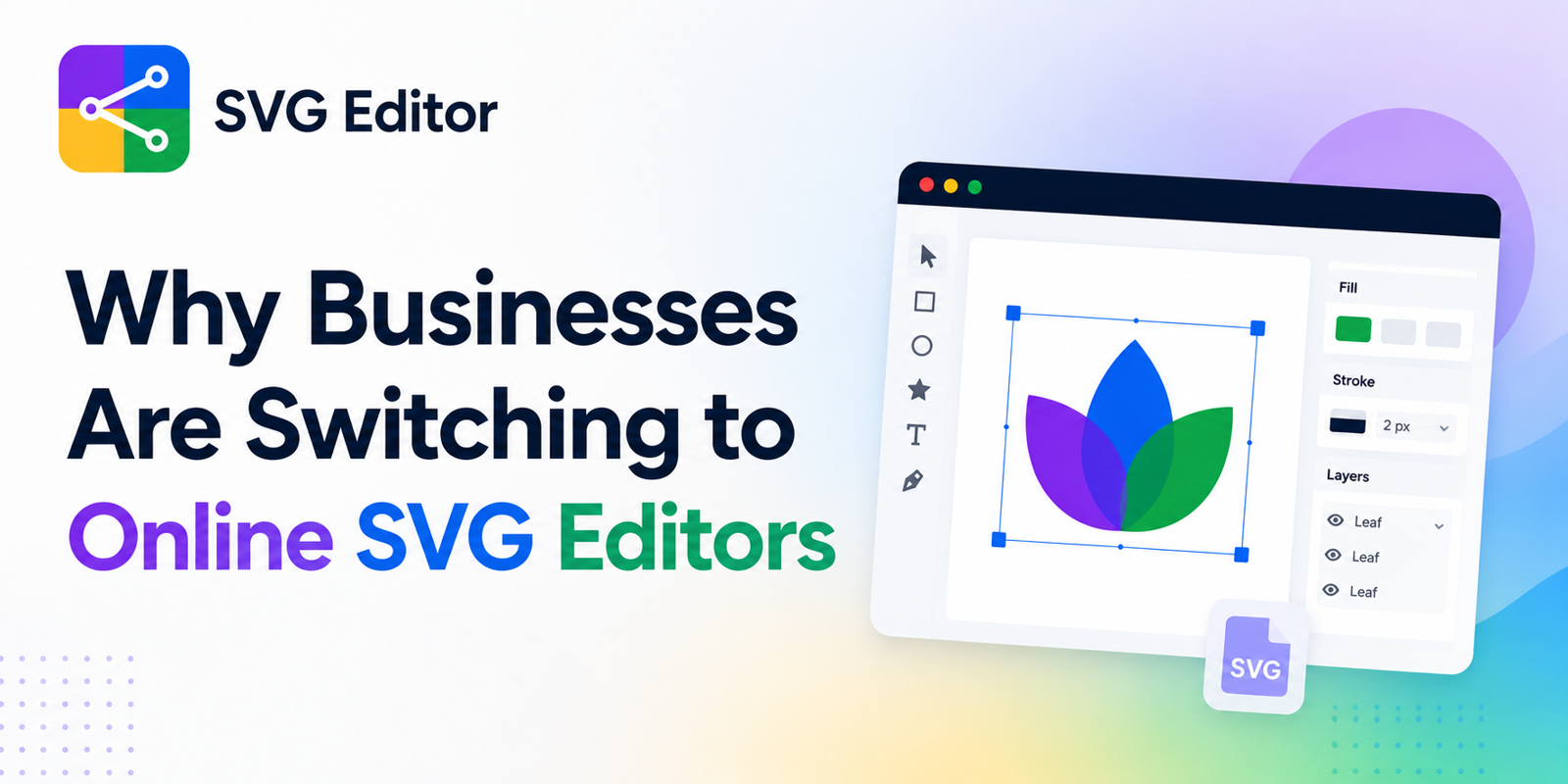
A browser-based editor allows users to:
Modify shapes and paths
Adjust colors and strokes
Resize elements without distortion
Export optimized SVG code instantly
This streamlines tasks that would otherwise require opening heavy design software.
2. Clean and Optimized SVG Output
One common challenge in vector design is exporting clean code.
Many traditional design tools generate SVG files filled with unnecessary metadata or complex path instructions. These extra elements increase file size and slow down web performance.
Using a focused tool such as an SVG maker online helps designers generate cleaner code that is:
Lightweight
Easier to embed in HTML
Faster to load on websites
Simpler for developers to modify
This is especially important for performance-driven environments like e-commerce platforms and mobile-first websites.
3. Improved Collaboration Between Designers and Developers
SVG files often sit at the intersection of design and development.
Designers create the visual assets, but developers integrate them into interfaces. When SVG files are poorly structured, developers may need to manually rewrite parts of the code.
A well-structured svg file editor bridges this gap by producing readable vector markup that developers can easily integrate.
For example, designers can adjust path structures, remove unnecessary groups, and preview how elements behave when styled with CSS.
This collaborative efficiency is one reason many teams now rely on specialized tools like this practical svg file editor:
https://svgmaker.io/svg-editor
Such tools allow users to edit vector graphics directly in the browser while maintaining clean, web-friendly output.
The Growing Demand for SVG Logo Generators
Brand identity increasingly requires assets that adapt across multiple digital environments.
Logos must appear clearly on:
Websites
Mobile apps
Social media
Email signatures
Product interfaces
A traditional raster logo often requires multiple versions for different sizes. SVG eliminates that issue.
This is why many designers and entrepreneurs now rely on an SVG logo generator to create flexible branding assets.
Benefits of SVG Logos
SVG logos offer several practical advantages:
Perfect scalability
Logos remain sharp on any screen resolution, including retina displays.
Smaller file sizes
Vector graphics are typically lighter than high-resolution raster images.
Editable structure
Colors, shapes, and sizes can be updated quickly without recreating the design.
Animation capabilities
Developers can animate SVG logos using CSS or JavaScript for interactive experiences.
For startups, digital products, and SaaS companies, SVG logos have become the default choice.
Key Features to Look for in an SVG Maker Online
Not all vector editing tools offer the same functionality. When choosing an SVG maker online, certain features significantly improve usability and output quality.
Intuitive Path Editing
Vector graphics rely heavily on paths and anchor points. A good editor should allow users to:
Add and remove points easily
Adjust Bézier curves
Simplify complex shapes
This ensures precision when refining icons, illustrations, or logos.
Real-Time Code Preview
Advanced users often want to see the underlying SVG code.
Real-time preview features help users:
Understand how design changes affect markup
Identify redundant elements
Export optimized files for production use
This feature is especially helpful for developers who frequently work with inline SVG.
Built-In Export Optimization
Optimized export tools reduce file size without compromising visual quality.
Efficient SVG export typically includes:
Removal of unnecessary metadata
Minified code structure
Simplified path commands
This ensures the final graphic is web-ready.
Browser-Based Accessibility
One major advantage of modern vector tools is accessibility.
A cloud-based SVG maker allows users to work from any device without installing software.
This is particularly useful for:
Remote teams
Freelance designers
Developers needing quick edits
Content creators building web assets
Browser-based tools also eliminate compatibility issues between operating systems.
Practical Use Cases for SVG Graphics
SVG files are no longer limited to professional designers. Today, multiple industries rely on them.
Web Development
Developers embed SVG icons directly into HTML to create scalable UI elements.
Inline SVG allows dynamic styling, hover animations, and interactive components.
Digital Marketing
Marketing teams use SVG illustrations in:
Landing pages
Email campaigns
Data visualizations
Product demos
Because SVG files are lightweight, they improve page speed and user experience.
Product Design
Modern product interfaces rely heavily on scalable iconography.
SVG graphics ensure visual consistency across:
Desktop dashboards
Mobile applications
Tablet interfaces
Design teams can maintain a single vector asset library rather than multiple image formats.
Best Practices When Creating SVG Graphics
While SVG tools simplify the process, following best practices ensures high-quality results.
Keep Paths Simple
Complex path structures increase file size and make editing difficult. Simplifying shapes improves performance and readability.
Use Meaningful Grouping
Organizing elements with logical groups helps developers style or animate specific parts of the graphic later.
Optimize Before Publishing
Even well-designed SVG files can contain unnecessary elements.
Before deploying graphics, designers should:
Remove unused layers
Clean metadata
Minify the SVG markup
These small optimizations can significantly improve page speed.
The Future of Vector Graphics on the Web
As digital experiences become more responsive and interactive, the importance of vector graphics continues to grow.
High-resolution displays, dynamic interfaces, and animation-driven design all favor scalable formats like SVG.
Modern tools are evolving to make vector editing faster, simpler, and more accessible. Browser-based platforms, in particular, allow anyone—from developers to entrepreneurs—to create professional vector assets without complex software.
Final Thoughts
SVG has become a critical format for modern digital design because it delivers scalability, flexibility, and performance. Whether creating website icons, interactive illustrations, or responsive logos, vector graphics provide a future-proof solution.
Using a reliable svg file editor, along with tools like an SVG logo generator or SVG maker online, helps streamline the process of creating and refining scalable assets.


Write a comment ...