Creating beautiful vector graphics is only part of the design process. Equally important is the ability to customize, refine, and optimize those graphics for different applications. This is where an SVG image editor becomes an essential tool for designers, developers, marketers, and businesses.
SVG files are widely used because they provide exceptional scalability and flexibility. Unlike raster images that lose quality when resized, SVG graphics remain sharp and professional regardless of dimensions. A powerful SVG image editor allows users to modify these graphics while preserving their vector quality.
Whether you're updating a logo, changing colors, editing icons, or customizing illustrations, SVG editing plays a critical role in modern design workflows.
What Is an SVG Image Editor?
An SVG image editor is a specialized tool designed to create, modify, and optimize SVG graphics.
Users can:
Edit shapes
Change colors
Modify text
Adjust paths
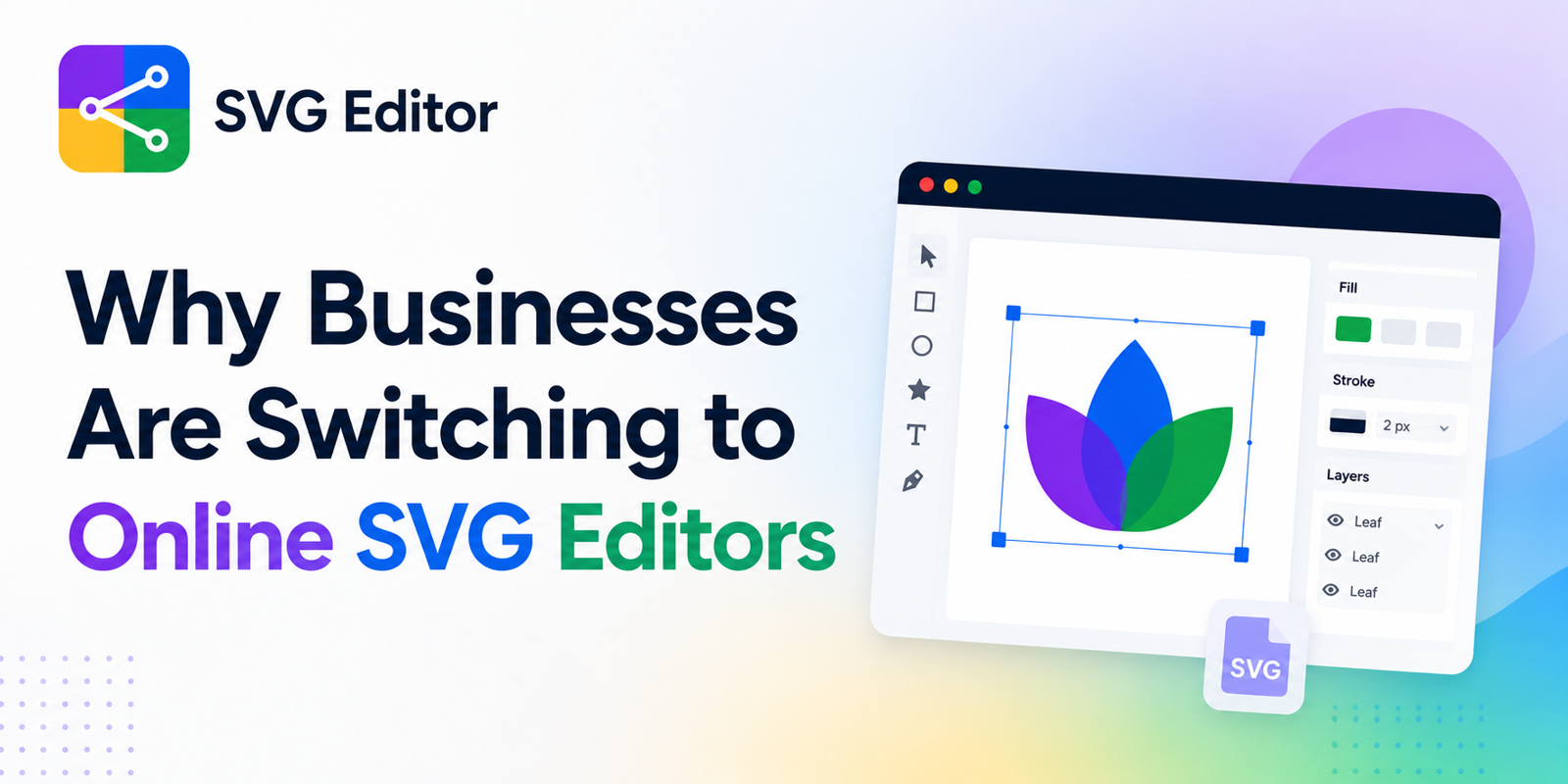
Manage layers
Remove backgrounds
Apply visual effects
Export designs in various formats
Modern SVG editors also include AI-powered features that simplify complex editing tasks.
Why SVG Editing Matters
SVG graphics are used in many industries because of their versatility.
Common applications include:
Website design
Branding
Marketing materials
Mobile applications
User interfaces
Product packaging
Print design
As businesses evolve, graphics often need updates. An SVG image editor makes these modifications simple and efficient.
Key Features of a Modern SVG Image Editor
Vector Path Editing
One of the most important capabilities is path editing. Users can manipulate curves, nodes, and shapes with precision.
This level of control allows designers to create highly customized graphics.
Layer Management
Complex SVG designs often contain multiple layers.
Layer controls help users:
Organize design elements
Lock objects
Hide components
Edit specific sections independently
Color Customization
Brands frequently update color schemes to match campaigns or visual guidelines.
An SVG editor enables instant color changes without affecting image quality.
Typography Editing
Text is often embedded within SVG graphics.
A quality SVG image editor allows users to:
Modify fonts
Adjust spacing
Update content
Customize typography styles
AI-Powered SVG Editing
Artificial intelligence has significantly improved vector editing workflows.
Instead of manually adjusting every design element, users can make changes using simple prompts.
Examples include:
"Change the icon color to blue"
"Make the design minimalist"
"Remove background elements"
"Convert to line art style"
The AI automatically updates the SVG graphic while preserving vector structure.
Benefits for Web Designers
Web designers rely heavily on SVG graphics because they:
Load quickly
Scale perfectly
Support responsive layouts
Improve website performance
An SVG image editor helps maintain visual consistency across multiple screen sizes and devices.
Benefits for Businesses
Businesses use SVG editors to:
Update logos
Refresh branding
Create marketing assets
Design product graphics
Optimize digital content
This flexibility reduces design costs and improves operational efficiency.
Ideal for Developers
Developers often work directly with SVG code.
Many advanced SVG editors provide:
Code editing
HTML export
CSS integration
React component support
API connectivity
These features simplify implementation within modern web applications.
Editing Existing Graphics
An SVG image editor is not limited to new designs.
Users can upload existing graphics and:
Adjust colors
Replace text
Modify layouts
Enhance illustrations
Optimize file structures
This makes SVG editing useful for both new and legacy projects.
Export and Compatibility
After editing, graphics may need to be exported in different formats.
Popular export options include:
SVG
PNG
JPG
PDF
EPS
AI
DXF
This ensures compatibility across web, print, and manufacturing workflows.
Future of SVG Editing
The future of SVG editing lies in AI-assisted workflows. As editing tools become smarter, users can create and modify graphics more efficiently than ever before.
AI-powered automation is reducing technical barriers and making professional vector design accessible to a wider audience.
Conclusion
An SVG image editor is an essential tool for anyone working with scalable graphics. From branding and web design to product development and marketing, SVG editing enables creators to maintain quality while adapting designs to changing needs.
For users seeking a platform that combines AI-powered editing, SVG generation, image conversion, advanced vector tools, and flexible export options, SVGMaker provides a comprehensive environment for modern SVG design and customization.


Write a comment ...